
How to add product tabs to Shopify
Dawn has no tabs. Its product page has collapsible rows that stack, and text typed in a row shows on every product. Section Store adds 19 tabs sections: real tabs, icons, your product description in a tab and metafields per product. One is free.
4.9★ from 3,000+ reviews · Built for Shopify
Watch it done
Product tabs on Shopify, the easy way.
Product Page Tabs | Shopify Store Design 2026Watch on YouTube
Dawn uses collapsible rows
Dawn's product page takes Collapsible row blocks, which stack and open on a click. For shipping and returns, which read the same on every product, they are enough.
1Open the product templateIn the theme editor, open Products, then Default product.
2Add a collapsible rowIn Product information, click Add block and pick Collapsible row. Give it a heading and an icon.
3Fill it inType the text, or show a page. For text per product, connect the row to a product metafield.
We checked this on 24 November 2026 against Dawn 16.2.0, Shopify's own free theme, Shopify help: Using metafields. If you use another theme, its own sections may differ from Dawn's.
Where Dawn stops and Section Store starts
Text per product is where rows get slow. A row shows the same words on every product unless you connect a metafield, so a big catalog means filling a metafield on each product. Product tabs #2 can show the product's own description in a tab instead.
DawnOn its own
Any themeWith Section Store
Tabs side by side
–No. Rows that stack and open.
✓Yes. Tabs, or rows if you prefer.
Text per product
✓With a product metafield.
✓Your product description or a metafield, in a tab.
Icons
✓A built-in icon per row.
✓Built-in icons or your own upload.
Where it sits
✓Among the product blocks.
✓Above or below the title, description or buy buttons.
Image or video
–No. Text or a page.
✓Yes. Tabs #2 sets an image or a video beside the tabs.
19 tabs sections, and one is free
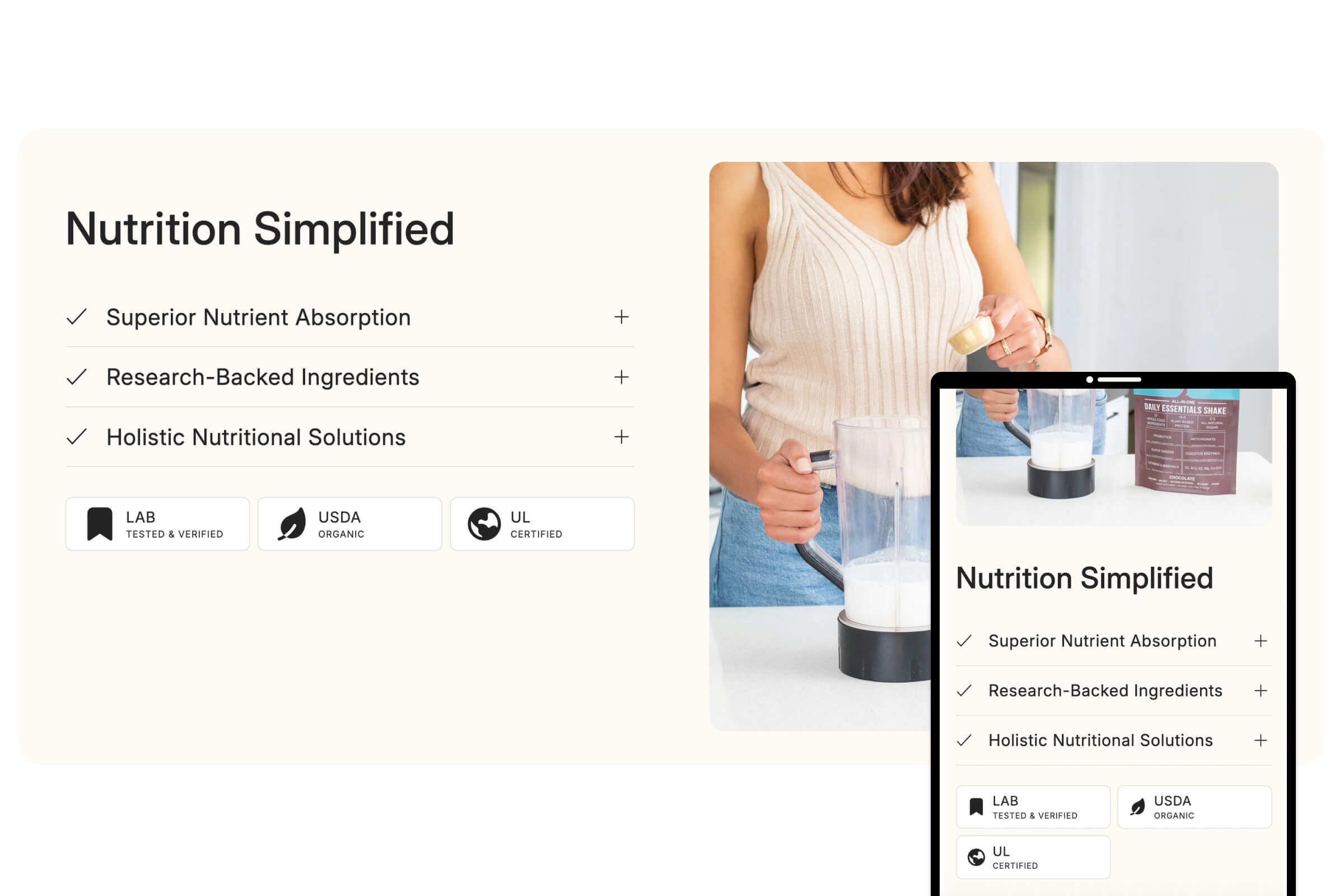
Product tabs is the most added, at 11,087 times, for questions and answers with icons. Product tabs #2 sits below the buy buttons, and Tabs #2 is free and sets an image or a video beside the tabs. Here are 8 of the 19 with the free one first and then the most added.
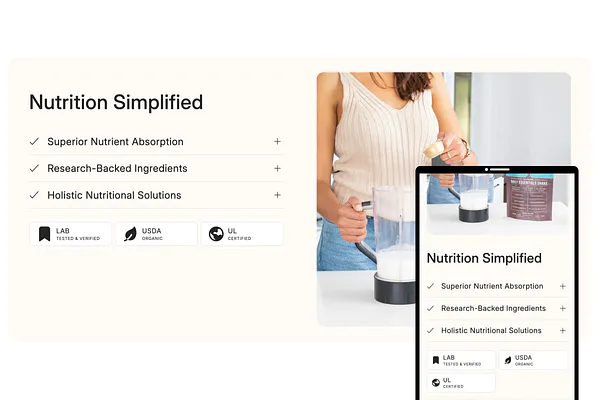 FreeTabs #2Added 563 timesSee the demo
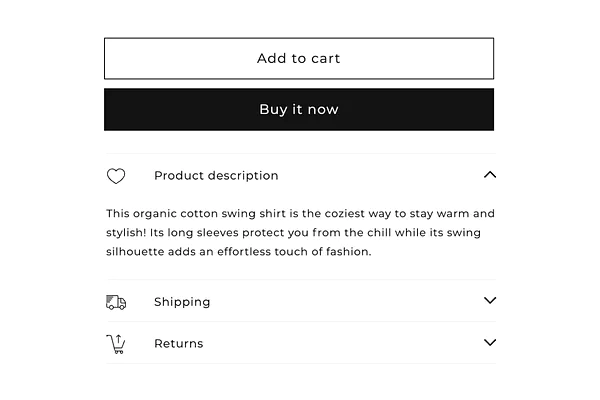 $9 onceProduct tabsAdded 11,087 timesIn the app
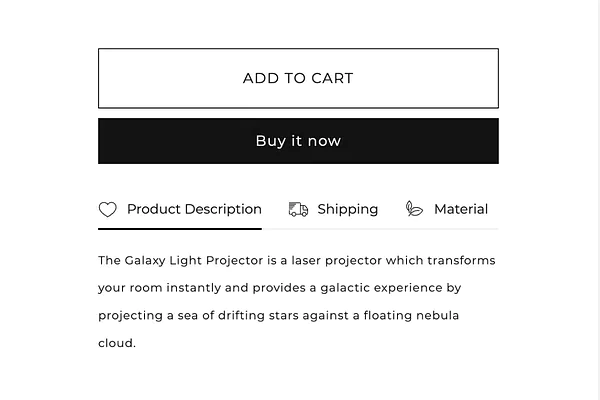 $9 onceProduct tabs #2Added 3,400 timesSee the demo
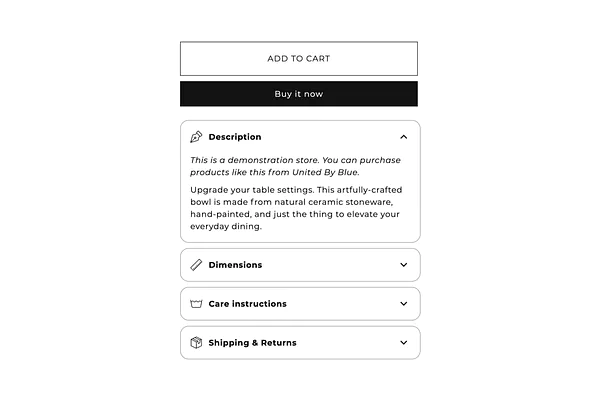 $9 onceProduct tabs #5Added 1,752 timesIn the app
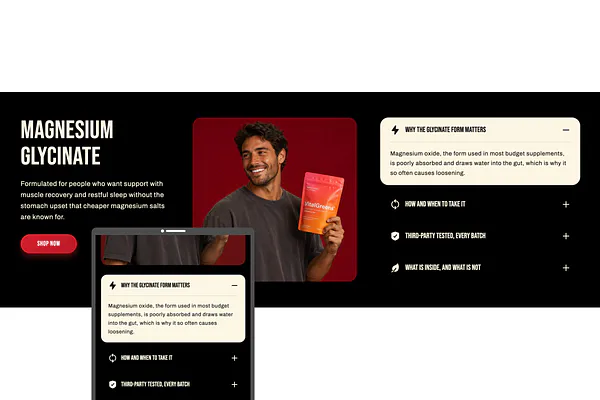 In PlusTabs #3Added 1,271 timesSee the demo
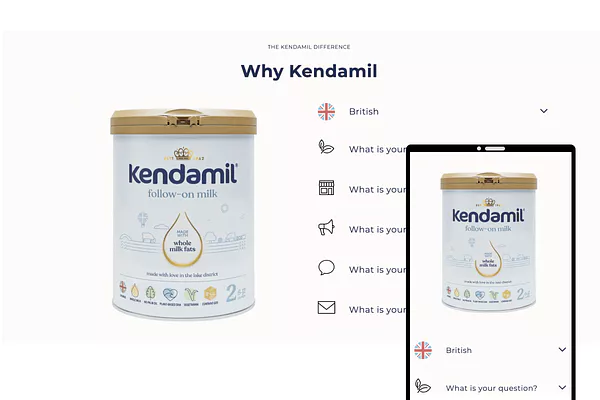 $9 onceTabs (icon + image)Added 1,050 timesIn the app
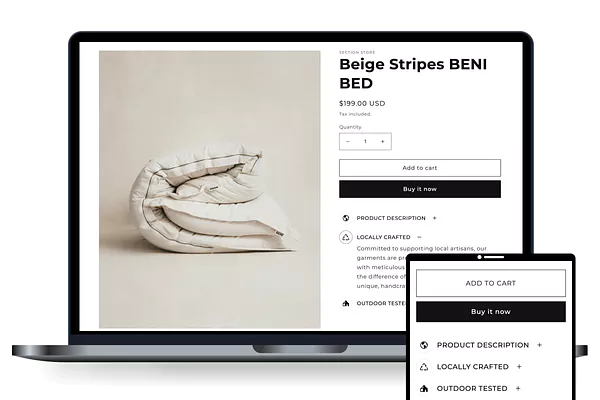 $9 onceProduct tabs #3Added 708 timesIn the app
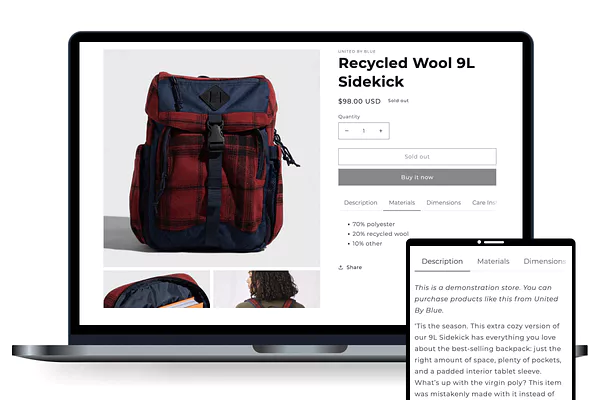 $9 onceProduct tabs #4Added 684 timesIn the app
Each demo shows you the section itself on a live page. Install Section Store to try one on your own store.
How to put one on your store
1Install Section StoreIt's free on the Shopify App Store. No code, and your theme files stay as they are.Install free on Shopify
2Pick a tabs sectionChoose one from the catalog and add it to your theme.
3Place it in the theme editorClick Add section, put it where you want and change the text and colors.
Works on every Shopify theme
Every theme✓Free or paid.
The theme editor✓Text, colors and layout.
No code✓You never open a file.
No fee per section✓Free, or paid once.
One app for the whole store at $15 a month, flat
Sections are one part of Section Store. If you want more than a section, Plus builds your product pages with AI and sells the second item with bundles and the cart drawer.
AI PagesAI builds your product page from your product.
Cart drawerA reward bar, upsells and free gifts in the cart.
BundlesQuantity breaks, mix and match and buy X get Y.
All sectionsThe whole catalog, free sections included.
What stores say in their reviews
“Now I can migrate all my bundles to this app.”
“…the section store approach to bundling is much better than other widgets out there, including shopify's native bundling app.”
“Love all the conversion blocks for my product pages. They were quick to help me with an issue with pricing on the bundle and quantity break section, and I've already seen an uptick in sales from it.”
Questions stores ask
Does Shopify have product tabs?
Not as tabs. Dawn's product page has Collapsible row blocks that stack and open one at a time. Shopify notes that text typed in a row shows on every product, so text per product needs a metafield.
Can each product have its own tab content?
Yes. Product tabs #2 can show the product's own description in a tab, or read a metafield.
How do I add a tabs section to Shopify without code?
Install Section Store, pick a tabs section and add it to your theme from the app. Then open the theme editor, click Add section and drag it where you want it. You change the words and colors there too and never open a code file.
Is there a free tabs section for Shopify?
Yes. Tabs #2 is free in Section Store. Install the app and add it to your theme. You need no plan and no trial for a free section.
Does it work with my theme?
Yes. Our sections work on every Shopify theme, free or paid, because each one is added to your theme as a section of its own. You place it in the theme editor like your theme's own sections.
What does it cost?
Section Store is free to install, and one of these is free to keep. The others cost $9 to $19, and you pay for each one once. Some come with Section Store Plus. Plus is $15 a month, flat, and brings AI Pages, the cart drawer and bundles. You get the first 14 days of Plus free.
More sections, explained the same way
Add to cart button
Announcement bar
Back to top button
Before and after slider
Bento grid
Blog section
Circle menu
Collection list
Comparison table
Contact form
Countdown timer
FAQ section
Featured collection
Footer
Header
Hero banner
Hotspots
How it works section
Image gallery
Image with text section
Ingredients section
Instagram feed
Logo list
Mega menu
Newsletter signup
Pop-up
Pricing table
Product upsell
Reviews section
Scrolling text
Shop the look
Size chart
Slideshow
Stats section
Testimonials
Timeline
Trust badges
Video
All sections
Section Store Plus
Add a tabs section today
Free to install. One tabs section is free.